The Combine tab
The Combine tab joins several videos, in the order you choose, into a single file. You can stage as many joins as you like by organising them into groups.
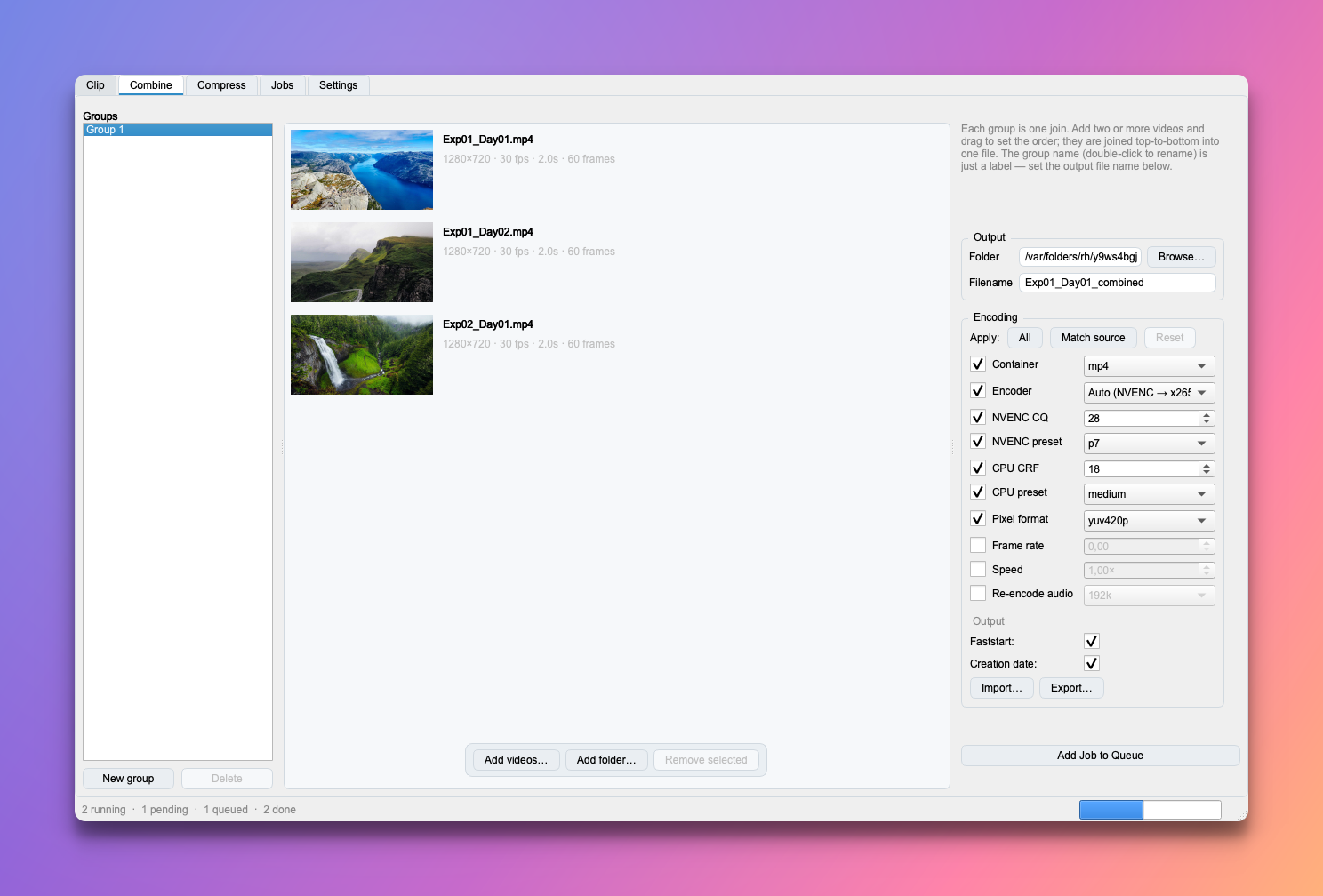
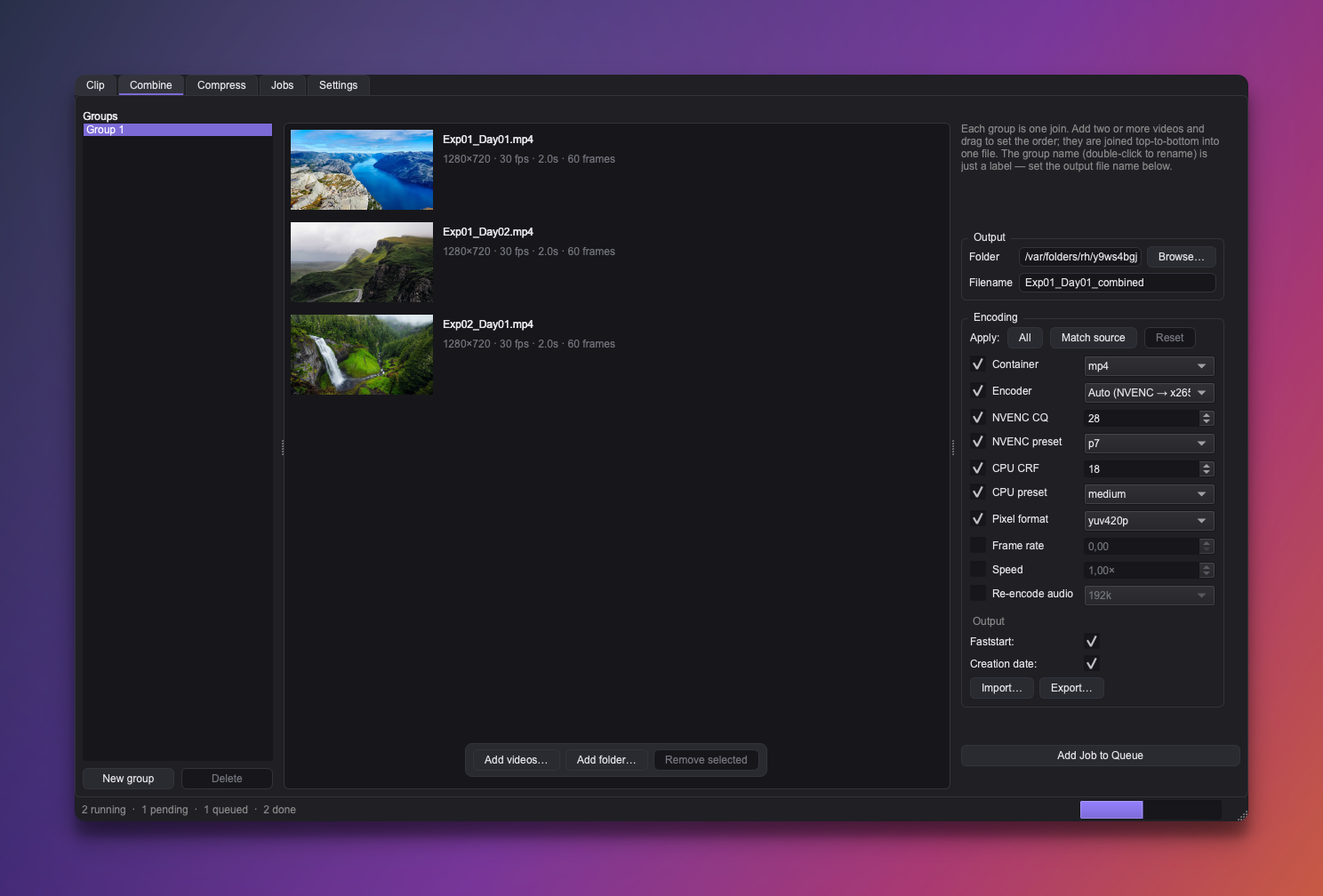
Groups
Each group in the left list is one join: an ordered set of videos with its own output folder, filename, and encoding.
- New group stages another join; Delete removes the selected group.
- Double-click a group to rename it. The group name is just an organisational label — it does not become the output filename (that's set separately, below).
Build a join
Add two or more videos to the selected group and drag to set the order — they're joined top-to-bottom into one file.
- Output folder — defaults to the first clip's location.
- Filename — defaults to
<first clip>_combined, and you can change it.
Crash-safe, playable partials
Like every Croppy output, a join only takes its final filename once it finishes,
so an interrupted or crashed run never leaves a corrupt file there (see
Output & jobs). Combine goes one step further: it writes a
fragmented mp4 to .partial.mp4 that stays playable up to where it stopped
— so even an interrupted long join leaves you something you can watch, clearly
marked as partial. (Clip and Compress simply discard their partial instead.)
Queue
Add Job to Queue stages the selected group as one combine job. The group is kept afterwards so you can tweak and re-queue it. Jobs land on the Jobs tab.
Encoding is inherited where it can be
Combine always writes mp4. If you leave the Encoder unset (Match source), Croppy re-encodes using the same kind of codec as the first clip. See Encoding & presets.