Output names & the Jobs queue
Naming outputs
Every tab shows a sensible default name and lets you change it.
| Tab | Default name | Notes |
|---|---|---|
| Clip | the source stem | A single output keeps it verbatim; several append _crop1, _trim1, … |
| Compress | <name>_compressed |
Per row; editable when one row is selected |
| Combine | <first clip>_combined |
Per group; the group's label is separate |
The Output box on each tab also chooses the folder (defaulting next to the
source). Croppy never overwrites silently — if a name would clash with a file
that's already on disk or already queued, it appends -2, -3, …
Tip
On the Clip tab the name is a basename: when one video produces several
files, Croppy adds the _crop/_trim suffix and the extension for you.
The Jobs queue
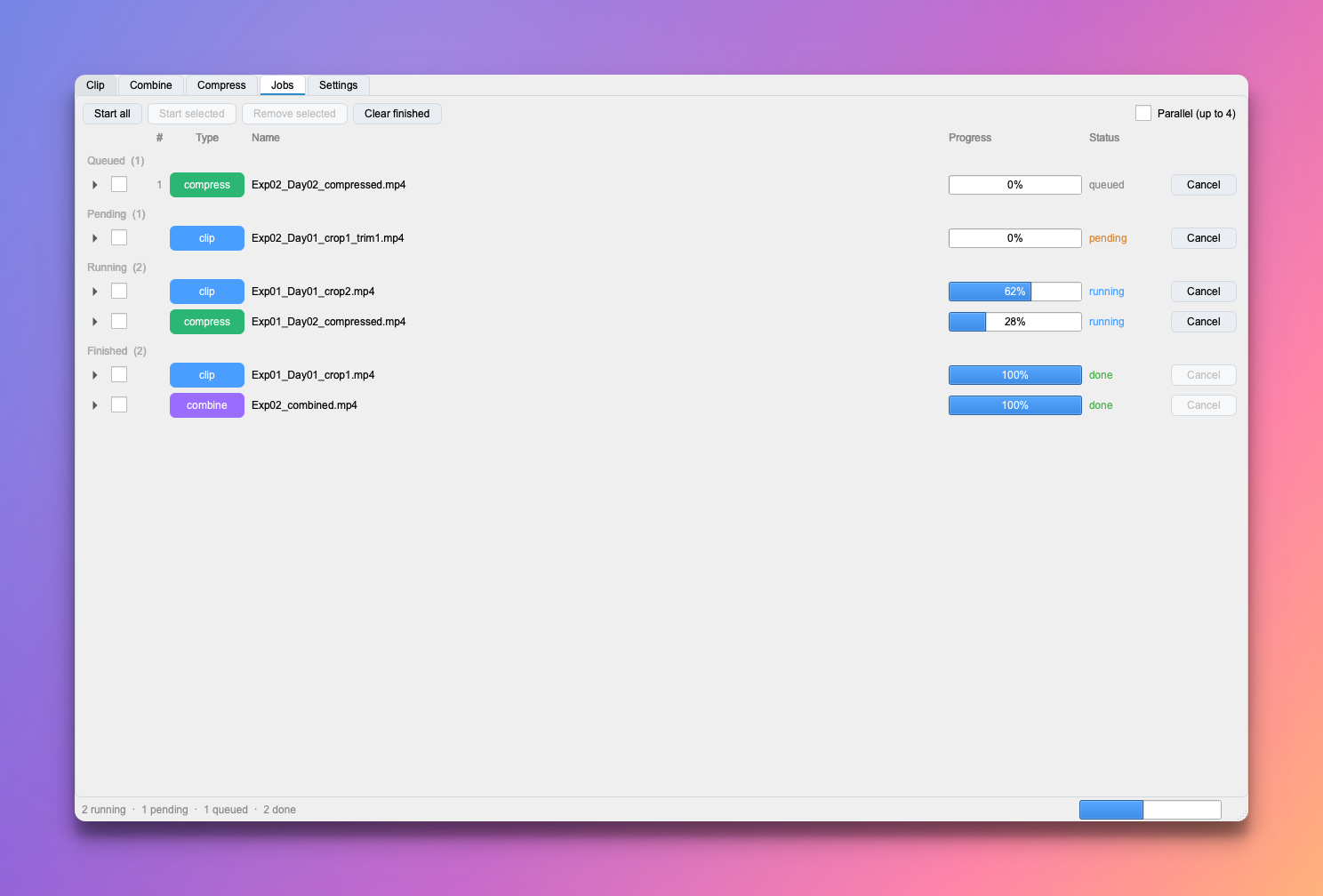
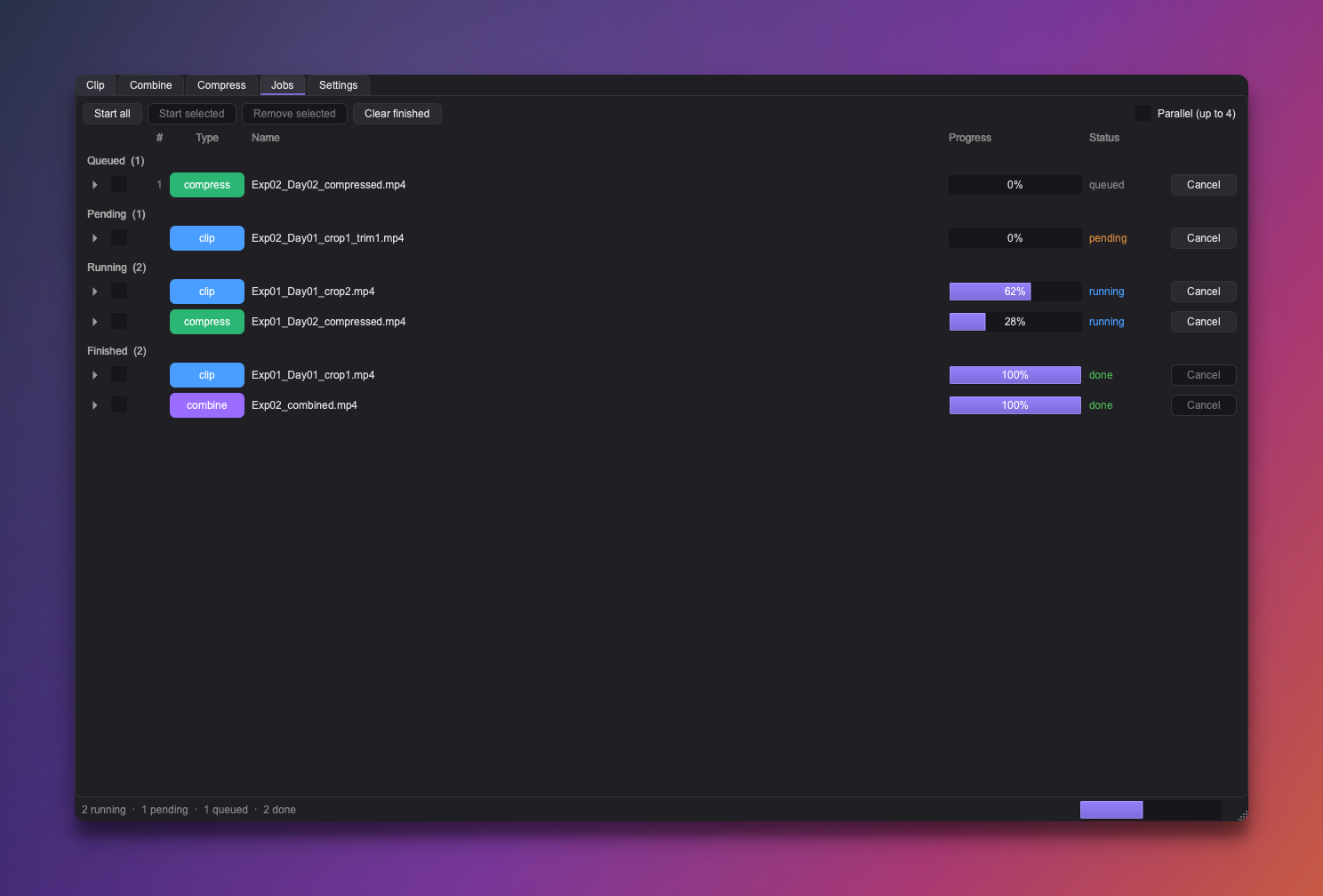
Every Add Job to Queue button stages work on the Jobs tab — it collects everything from every tab, grouped by state and tagged by kind (clip / compress / combine). Staging and running are separate steps, so you can assemble a batch and then fire it off:
- Start all runs everything that's staged; Start selected runs just the ticked rows.
- Cancel stops a running job; an interrupted job leaves at most a clearly
marked
.partialfile, never a corrupt output. - Remove selected drops staged rows; Clear finished tidies completed ones.
A slim status strip along the bottom of the window always summarises what's happening — counts and progress — from whichever tab you're on.
Running several at once
The Parallel toggle on the Jobs tab runs several jobs at once — useful for keeping a graphics card busy, or churning through a batch of CPU jobs on a many-core machine.
Same source, different settings
Because each queued job carries its own encoding and output name, you can queue one clip several times with small differences and compare the results — the auto-numbering keeps their files distinct.